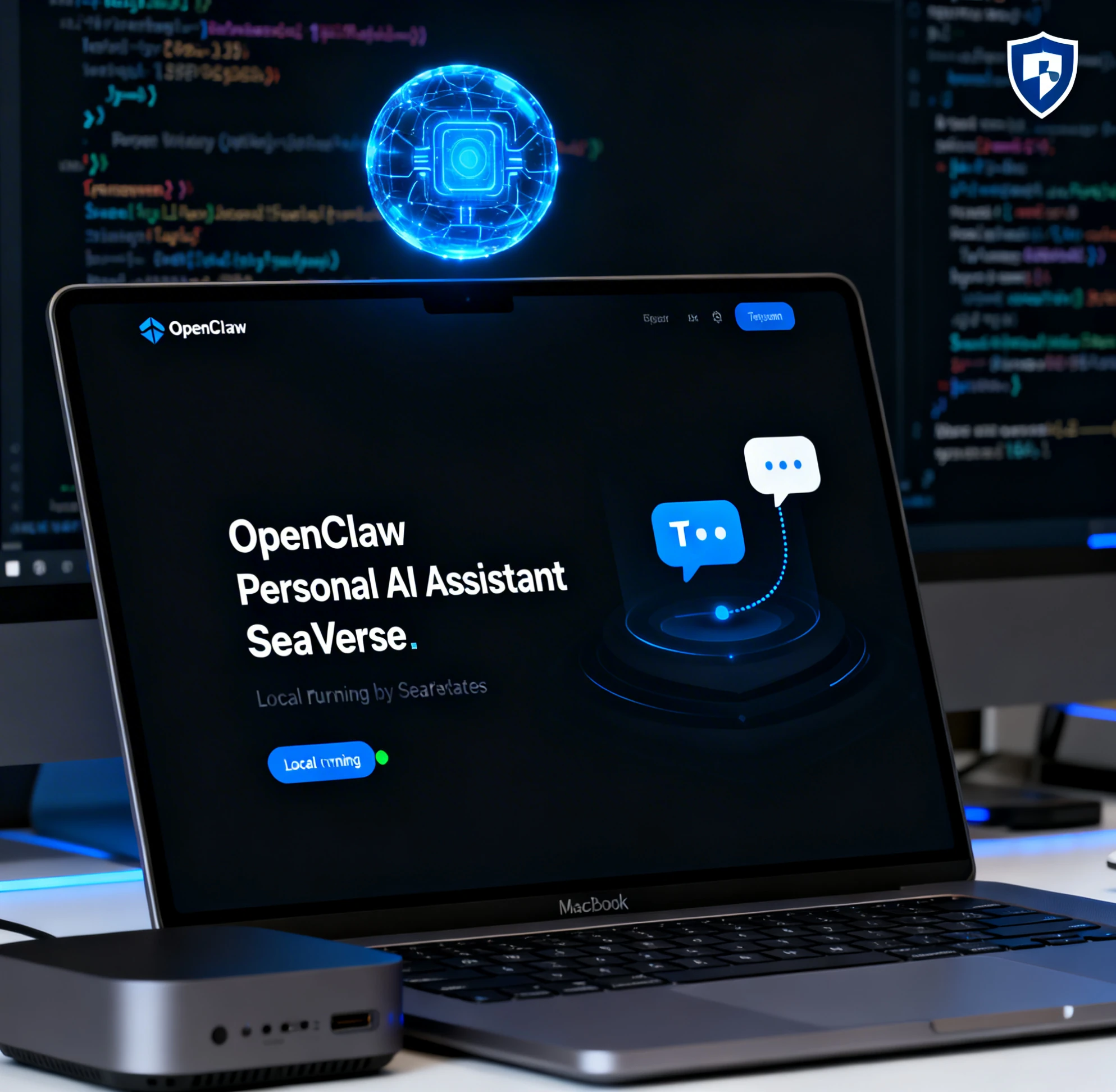
In 2026, managing your digital life just got easier. OpenClaw is an open-source, self-hosted AI agent that turns your favorite chat apps into a powerful, always-on personal assistant — clearing inboxes, managing calendars, browsing the web, and automating tasks while your data stays 100% private.
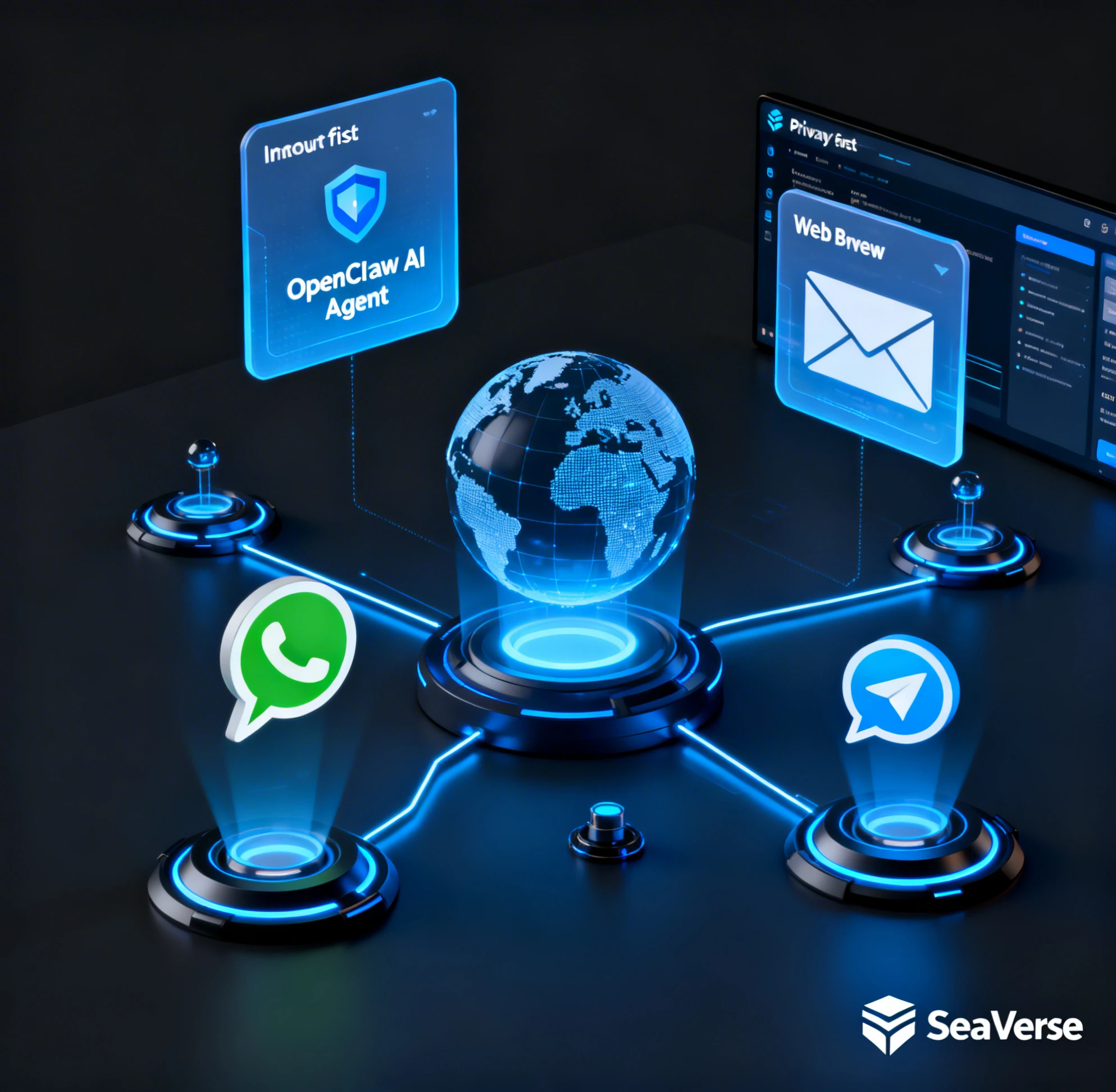
OpenClaw Personal AI Assistant is an autonomous AI agent you run locally on your own device or server. Unlike cloud-based chatbots like ChatGPT, OpenClaw connects directly to your favorite messaging apps — WhatsApp, Telegram, Discord, Slack, and more — so you can message your assistant from anywhere.
The slogan says it all: "The AI that actually does things." It clears your inbox, sends emails, manages your calendar, books flights, browses the web, and automates tasks — all while keeping your data private and under your control.
Everything you need from a personal AI — self-hosted, autonomous, and deeply integrated into your daily workflow.
Runs on macOS, Windows, Linux, or even a cheap VPS. Your data never leaves your machine — true privacy by design, not policy.
Chat via Telegram, WhatsApp, Discord, Slack, or web. Your OpenClaw Personal Agent is always reachable wherever you are.
Extend capabilities with community-built skills (plugins) for email management, web browsing, code execution, and unlimited custom automations.
Remembers your preferences, habits, and past conversations for truly personalized assistance that improves over time.
Free, MIT-licensed, and community-driven. Constantly improving with new features, skills, and integrations from developers worldwide.
Use Claude, GPT-4, Gemini, or local models like Ollama. Switch models anytime — no lock-in, total flexibility.
Getting started is straightforward — even for non-developers. Follow these five steps to have your personal AI running in minutes.
Download Node.js from nodejs.org. Version 22 or higher is recommended for the best performance and compatibility with OpenClaw's features.
Clone the GitHub repository or run the one-liner installer from openclaw.ai — either works perfectly. The installer handles dependencies automatically.
Start the gateway server. For Telegram, simply scan a QR code or paste your API key. WhatsApp, Discord, and Slack setups are equally simple with guided walkthroughs.
Select Claude, GPT-4, Gemini, or a local model like Ollama. Running locally? Ollama gives you full privacy with zero API costs. Cloud models offer the highest capability.
Browse the community skill library and install what you need — inbox management, calendar sync, web browsing, or build your own custom skills. Deploy on a VPS or Docker for 24/7 operation.
Skills are what make OpenClaw truly powerful. Install community skills or build your own to create a fully autonomous AI assistant tailored to your workflow.
OpenClaw stands out by taking real actions on your computer — not just generating text. Here's how they compare.
OpenClaw's self-hosted architecture means no third-party servers ever hold your data. Still, follow these best practices to keep your setup secure.
Limit permissions for each skill to only what it needs. Run code execution skills in sandboxed environments to prevent unintended system access.
Deploy OpenClaw inside Docker for an additional isolation layer. A dedicated device or VPS keeps your personal assistant separate from your main workstation.
Regularly update OpenClaw core and installed skills. The active community patches security issues quickly — staying current is your best defense.
Store API keys in environment variables, never in plain text config files. Use strong, unique keys for each connected service and rotate them periodically.
Most users report OpenClaw is safer than cloud assistants for sensitive tasks. All processing happens locally — your data never touches third-party servers.
In a world of hype, OpenClaw delivers real value: privacy, control, and genuine action. Here's why it's standing out this year.
Run it locally. Your emails, messages, and data never leave your device. No privacy policy to read — just actual privacy.
Not just a chatbot. OpenClaw books flights, clears inboxes, runs code, and automates repetitive work autonomously.
Access advanced features, easy integrations, and community support through SeaVerse — your hub for OpenClaw resources.
Answers to common questions about OpenClaw Personal AI Assistant
OpenClaw is an open-source, self-hosted autonomous AI agent you run locally on your own device or server. It connects to messaging apps like WhatsApp, Telegram, Discord, and Slack, letting you manage your inbox, calendar, emails, and automate tasks while keeping your data 100% private. It's powered by SeaVerse for enhanced community resources and integrations.
Install Node.js (v22+), clone the GitHub repo or use the one-liner installer, run the gateway to connect your chat app (Telegram just needs a QR code scan), choose your AI model (Claude, GPT-4, Gemini, or local Ollama), then install community skills for inbox, calendar, or custom automation. Tutorial videos and docs make it beginner-friendly.
Yes. OpenClaw is self-hosted, meaning your data never leaves your own device or server. No third-party servers hold your personal data. For best security: use sandboxed tools, limit permissions, run in a Docker container, and keep your skills updated. Most users find it safer than cloud assistants for sensitive tasks.
Unlike ChatGPT (cloud-based, text generation only), OpenClaw runs locally and takes real actions on your computer — clearing inboxes, booking flights, browsing the web, running code, and executing automations. It's also free, MIT-licensed, and works through your existing chat apps like Telegram and WhatsApp. No monthly subscription required.
Yes. Deploy OpenClaw on a Mac Mini, VPS, or Docker container for always-on 24/7 operation. It runs securely in the background and responds whenever you message it via your connected chat app. For the most cost-effective 24/7 setup, a small VPS (around $5–$10/month) works perfectly.
OpenClaw supports Claude (Anthropic), GPT-4 and GPT-4o (OpenAI), Gemini (Google), and local models via Ollama including Llama, Mistral, Phi, and more. You can switch models anytime — no lock-in. Running local models with Ollama gives you full privacy with zero API costs.
Whether you're deploying OpenClaw as a 24/7 personal AI assistant or just experimenting with automation, it's free, flexible, and future-proof. Powered by SeaVerse — explore advanced features and community support.
MIT Licensed · Open Source · No Credit Card Required