AI Image Upscaler
Upload blurry images and tell SeaVerse what you need. Get a cleaner, sharper image in seconds.
Upscale Photos Online for Any Image Type
SeaVerse AI photo enhancer handles portraits, old photos, and professional photography with intelligent upscaling tailored to each image type.
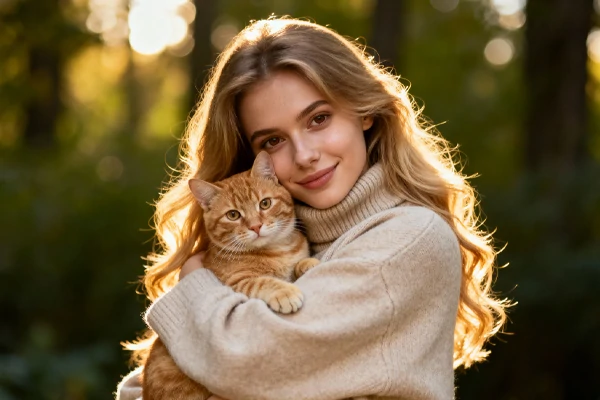
Why Choose SeaVerse AI Image Upscaler
No sliders. No complicated settings. Upload your image, describe what you need, and increase image resolution with professional results.
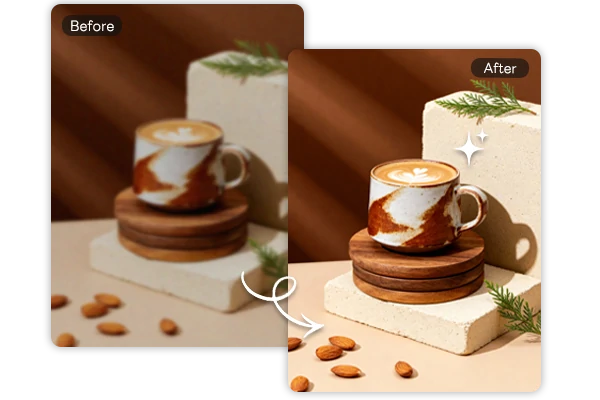
Enhance Photo Quality for Products
Don't let low-resolution photos hurt your sales. Upload blurry product shots and tell SeaVerse to enhance and enlarge images. The AI photo enhancer sharpens edges, brings out texture, and fixes color accuracy. Or start from scratch with AI-generated product images, then upscale them for print-ready results.
Upscale Product Photos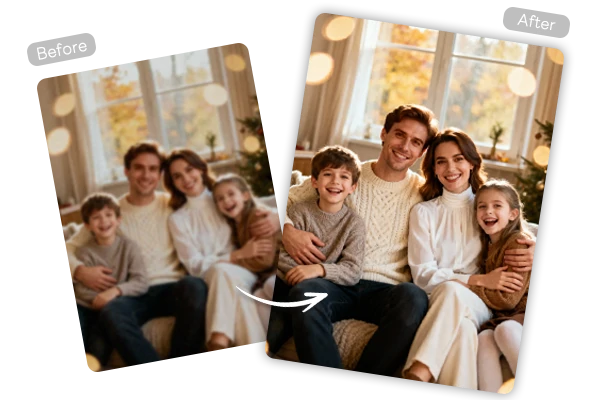
Restore Family Memories
Rescue faded family photos from old albums. Upload yellowed wedding pictures or cracked reunion snapshots and increase image resolution to bring them back to life. Facial details sharpen, faded colors return, and moments you thought were lost come back clear enough to print and share. Turn them into video montages afterward.
Restore Old Photos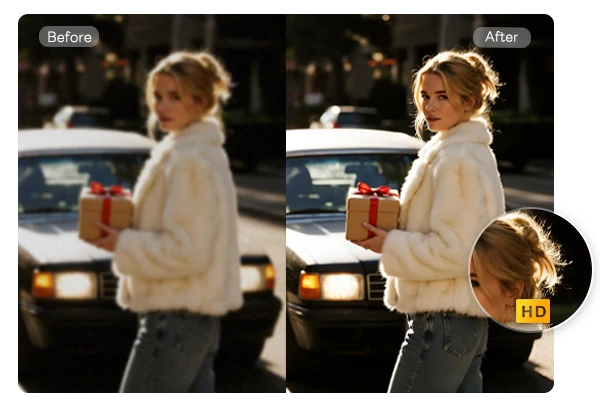
Reveal Hidden Details
See details you missed in your original shots. SeaVerse recovers fine textures, sharpens patterns, and brings out elements that were barely visible. Great for fixing underexposed photos, improving headshots before printing, or getting architectural shots gallery-ready. For portraits, combine upscaling with realistic image generation to create studio-quality headshots.
Enhance Image DetailsHow SeaVerse AI Photo Upscaler Works
Upload Your Image
Upload the blurry or low-resolution image you want to enhance.
Tell SeaVerse What You Need
Use natural language to describe your requirements. Example: "Upscale this to 4x" or "Enhance quality and make it 8 times larger."
Get Enhanced Results
SeaVerse delivers your enhanced image in seconds, ready to download.