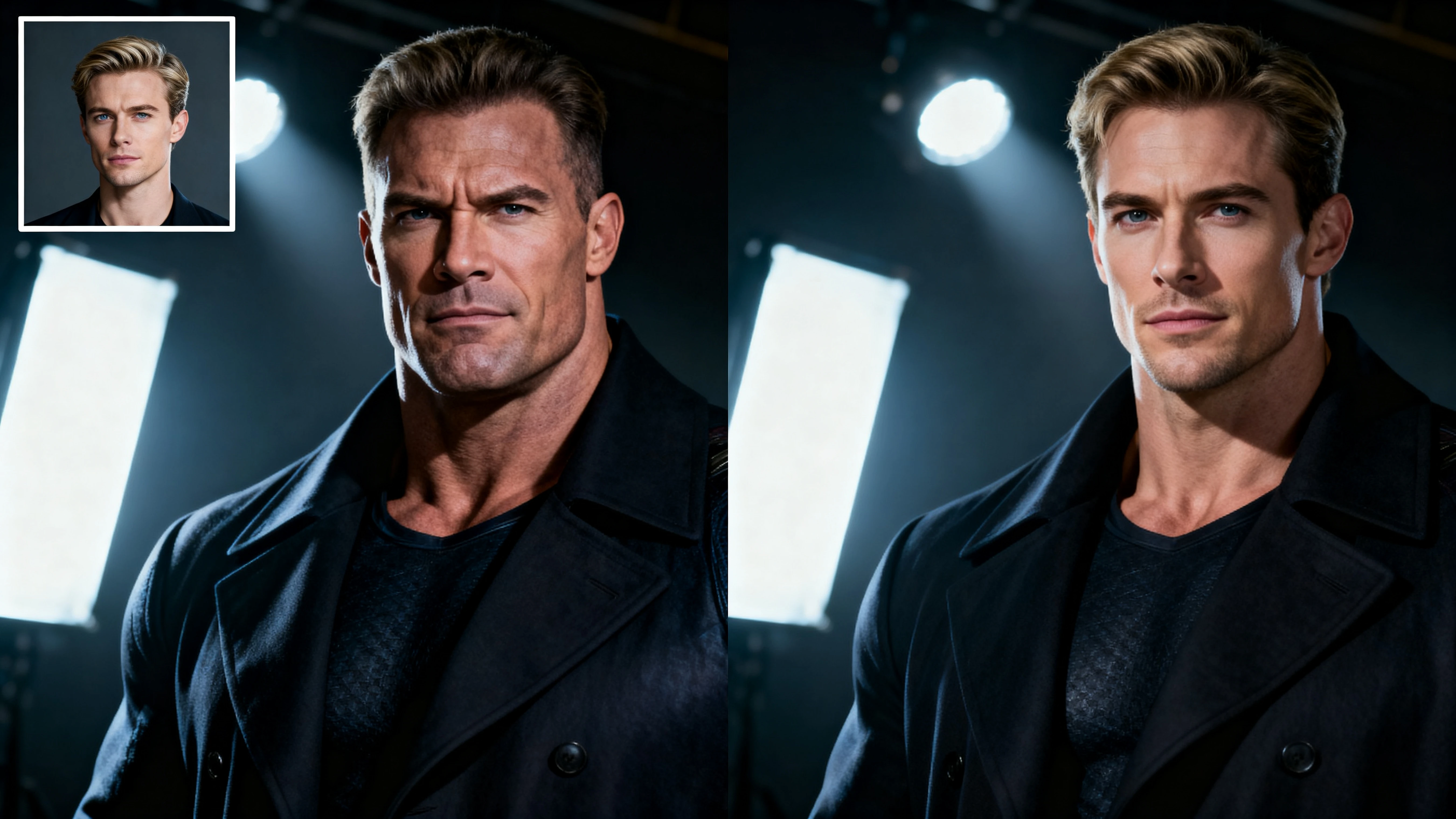
Create realistic celebrity face swaps in minutes. Swap your face with famous stars instantly—no editing skills required. Perfect for fun content, social media, and creative projects.
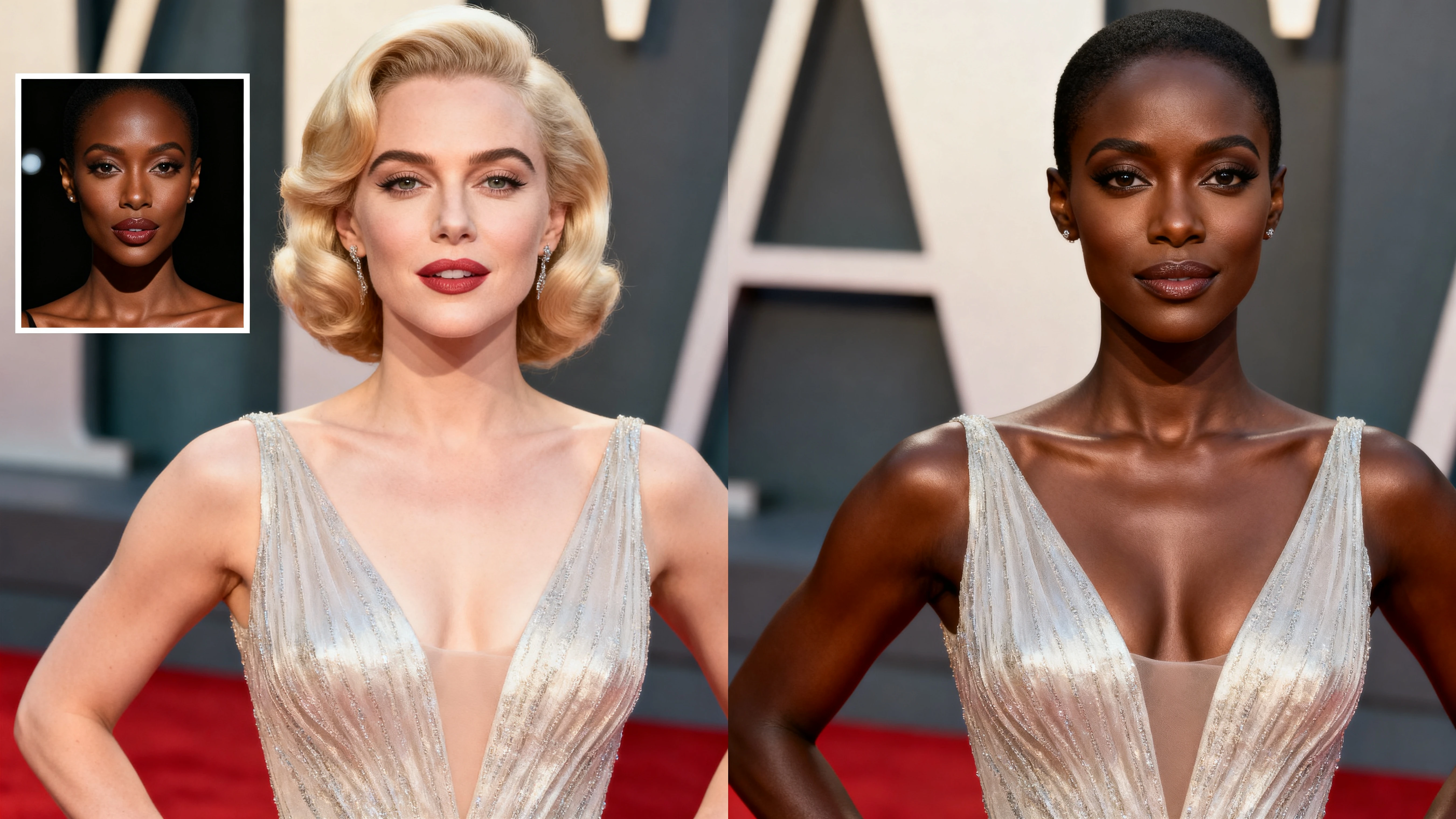
Start Face Swap NowA celebrity AI face swap replaces the face in a target image or video with another face while keeping lighting, expression, and overall composition as natural as possible.
The key goal is a realistic celebrity face swap—a result that blends smoothly so it looks coherent, not pasted on.
Follow these simple steps to create your first celebrity face swap
Upload a clear selfie or portrait. For best realism, use a front-facing photo with even lighting and minimal blur.
Pick the celebrity photo (or clip) you want to swap into. Higher resolution generally produces better details.
Seaverse AI analyzes face landmarks and blends the source face into the target. This is where the "celebrity face swap ai" magic happens.
If the output looks slightly off, try a different source image (better lighting, clearer angle), or choose a target with a similar head pose.
Download the final image or video and use it in your content—thumbnails, posts, or creative mockups.
Seaverse AI is built for speed, clarity, and output quality. Create realistic celebrity face swaps with ease.
Better alignment, tone matching, and natural edges for professional-quality swaps
Create high-quality swaps for still images and motion content with the same tool
Upload, preview, refine, and export—no editing skills or complex software required
Ideal for creators who need repeatable results across multiple assets
Small details that make a big difference in your face swap quality:
Find answers to common questions about celebrity face swap
Photos are usually the fastest way to get a clean, sharp result and are perfect for profile images, posters, and memes. Videos add motion, which makes realism more challenging—but also more impressive when done well.
Seaverse AI offers both free and premium options. You can start with free celebrity face swap AI to test the tool and upgrade for more features and higher quality outputs.
Use high-quality source images with good lighting, match the angle and expression of your target image, and choose high-resolution celebrity photos. Avoid obstructions like sunglasses or hands covering the face.
Face swapping for personal use and creative projects is generally fine, but always use images you have the right to use. Avoid misleading people or using face swaps for fraud, harassment, or impersonation. Consider labeling AI-generated content when sharing publicly.
Yes! Seaverse AI supports celebrity face swap video AI. For best results, choose clips with stable lighting and fewer rapid camera cuts for better consistency throughout the video.
If you're looking for a fast, readable workflow and high-quality results, Seaverse AI makes it easy to create a celebrity face swap online—whether you want a realistic photo, a short video, or a creative "movie star" concept.
Start Creating Now